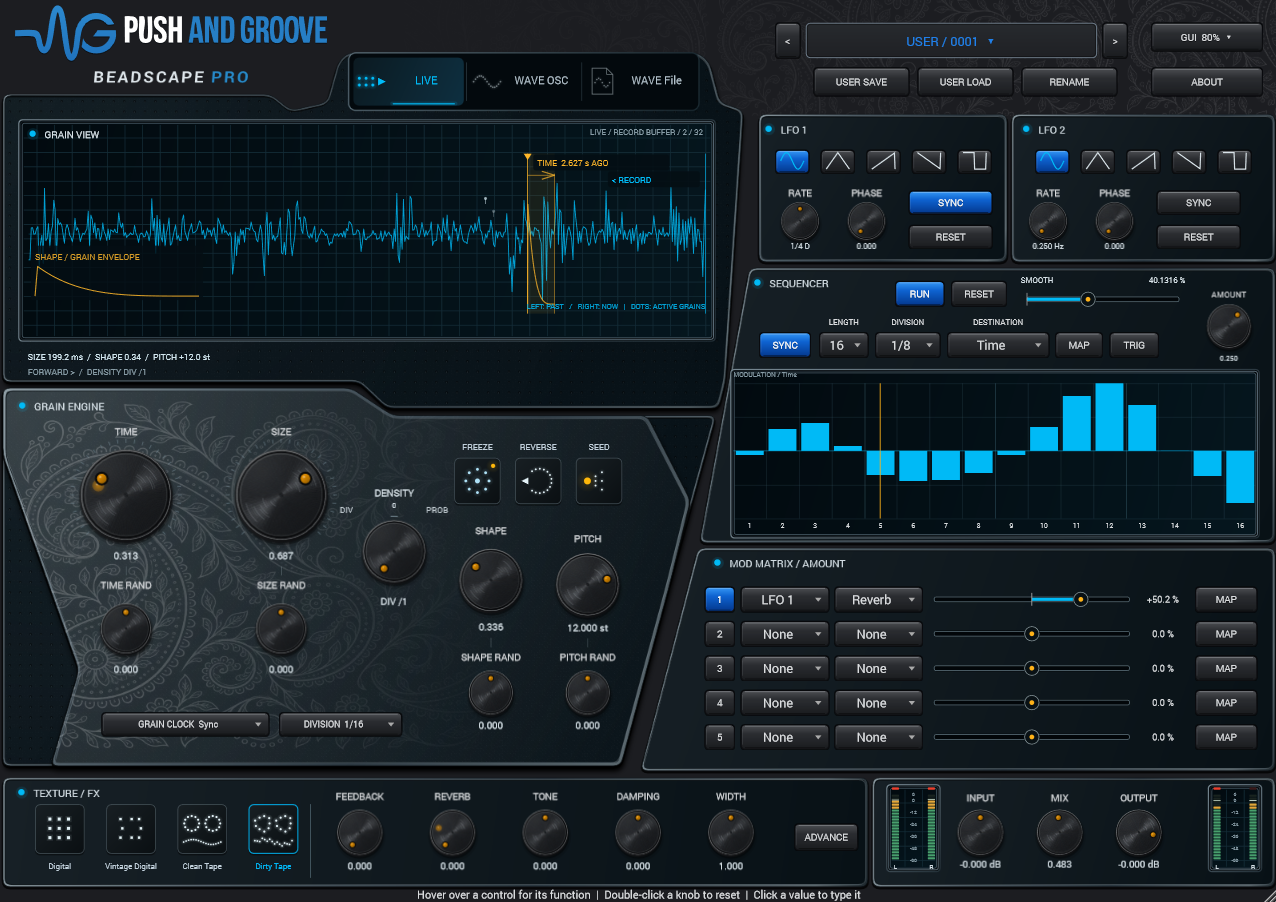
Granular sound engine · Three sources · Deep modulation
BEADSCAPE PRO
Small Grains. New Dimensions.
Transform live audio, wave oscillators, and your own samples into evolving soundscapes. Add movement with two LFOs, a step sequencer, and a five-slot modulation matrix.
$19 $29 Introductory price · USD
BEADSCAPE PRO / Demo Video
LIVE / WAVE OSC / WAVE File
Three Ways into the Grains.
Start with incoming audio, explore an internal wave oscillator, or bring in a WAV file. Each source opens a different path through the same granular engine.
LIVE
Capture incoming audio and reshape it in real time. Freeze the buffer to hold a moment, then explore it with Time, Size, Shape, and Pitch.
WAVE OSC
Explore built-in wave banks and scan the wave position. Create continuous tones and granular textures without an external audio source.
WAVE File
Load or drag in your own WAV/AIFF and turn it into new material. Move through the sample, reverse the grains, and add modulation.
WAV/AIFF File presets use your loaded audio. No WAV/AIFF samples are bundled.
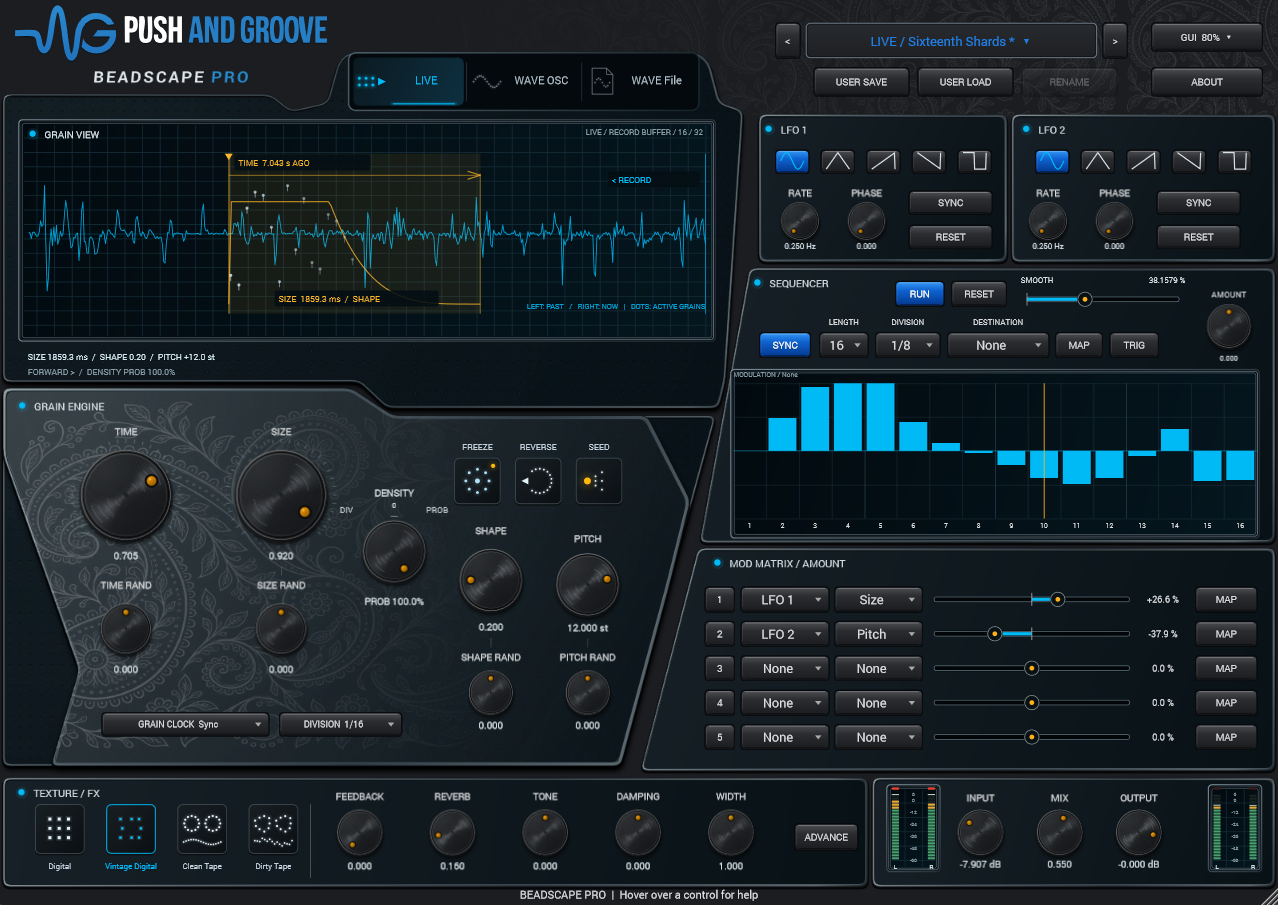
LIVE / Grain View
Find a Moment.
Make It Last.
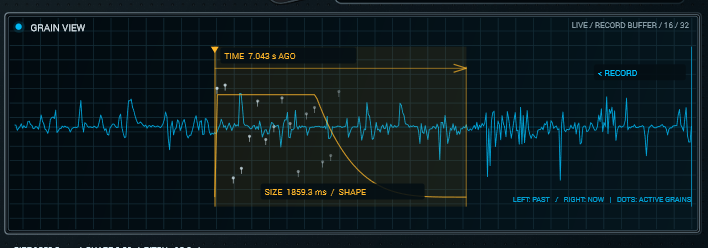
Feed in drums, synths, voices, or instruments. Move through the live buffer to discover fragments, repeat a detail, or build a cloud of sound.
The waveform, grain positions, and envelope show what you are shaping as you work.
WAVE OSC / Wave banks
Explore the Shape of Sound.
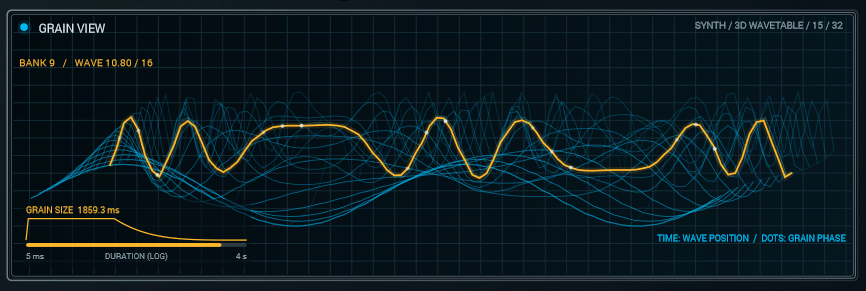
Browse the internal wave banks and move through their waveforms. Combine wave position, grain size, and pitch to shift from a steady tone into a layered texture.
The layered wave display keeps the selected waveform visible, while the grain envelope shows its duration and shape.
Grain Engine
Shape Every Fragment.
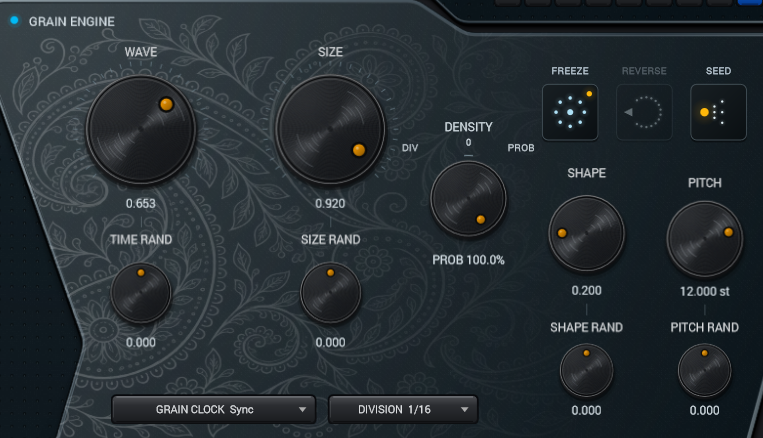
Control grain duration, envelope, and tuning with Size, Shape, and Pitch. Add independent random variation to Time, Size, Shape, and Pitch for subtle drift or a more scattered texture.
Let the Grain Clock run freely or synchronize it to the host tempo. Freeze, Reverse, and Seed offer more ways to capture, redirect, and trigger grains, depending on the source.
Dual LFOs
Movement in Two Directions.
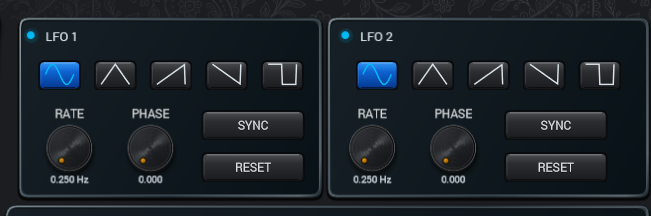
Two independent LFOs give your textures a changing pulse. Choose from five waveform shapes, adjust Rate and Phase, and switch between free-running and tempo-synced motion.
Route each LFO through the modulation matrix to animate grain parameters and create movement that unfolds over time.
16-step modulation sequencer
Give Texture a Rhythm.
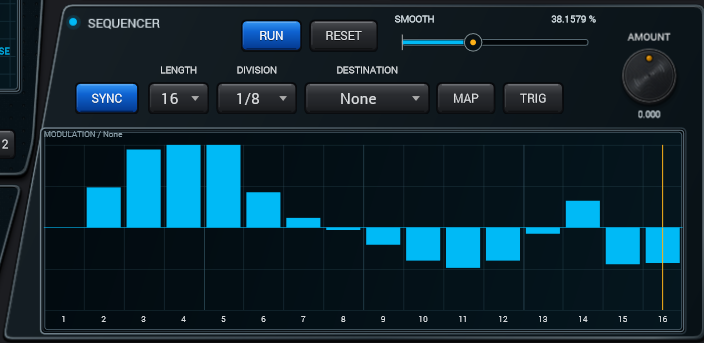
Draw a sequence of positive and negative values, choose a destination, and set the modulation amount. Adjust Length, Division, and Smooth to move from sharp steps to flowing transitions.
Sync to the host or run freely. Enable TRIG to request an extra grain on positive steps, adding rhythmic accents alongside the engine’s grain generation.
Five-slot modulation matrix
Connect Your Ideas.
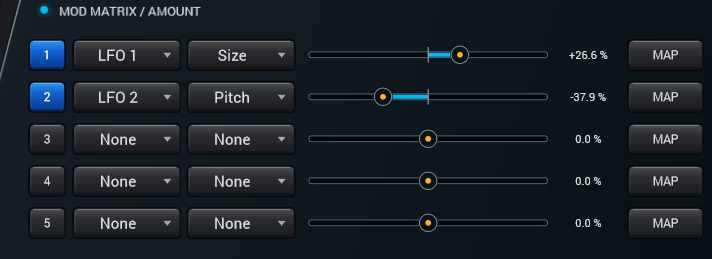
Build up to five modulation routes with a source, destination, and signed amount for each. Send LFO movement to Size, animate Pitch, or combine routes for more complex motion.
All five routes stay visible together, making the modulation setup easy to follow and refine.
128 factory presets / User library
A Starting Point
for Every Exploration.
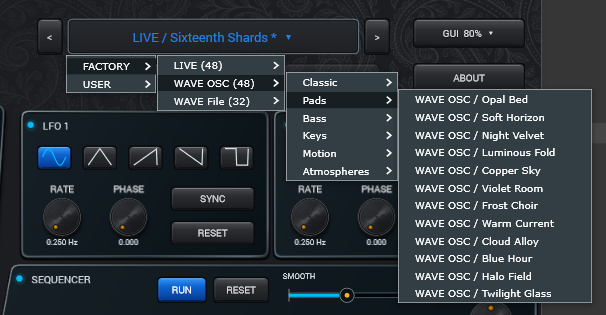
Browse 128 factory presets organized by source and category. Explore clouds, reverse textures, echoes, rhythmic fragments, pads, and evolving atmospheres.
LIVE: 48 · WAVE OSC: 48 · WAVE File: 32
Keep your own discoveries with USER SAVE, recall them with USER LOAD, and rename them as your library grows.
LIVE presets need audio input. WAVE File presets use your own loaded WAV.
Texture / FX
Finish with Character and Space.

Four Texture Characters
Choose Digital, Vintage Digital, Clean Tape, or Dirty Tape to give the granular output its own character.
Shape the Final Sound
Add Reverb, refine Tone and Damping, and adjust Width. Input, Mix, Output, and stereo meters help balance the result.
BEADSCAPE PRO
Take Your Grains Further.
Three sources. Deep modulation. 128 starting points.
$19 $29 Introductory price · USD
More Plugins
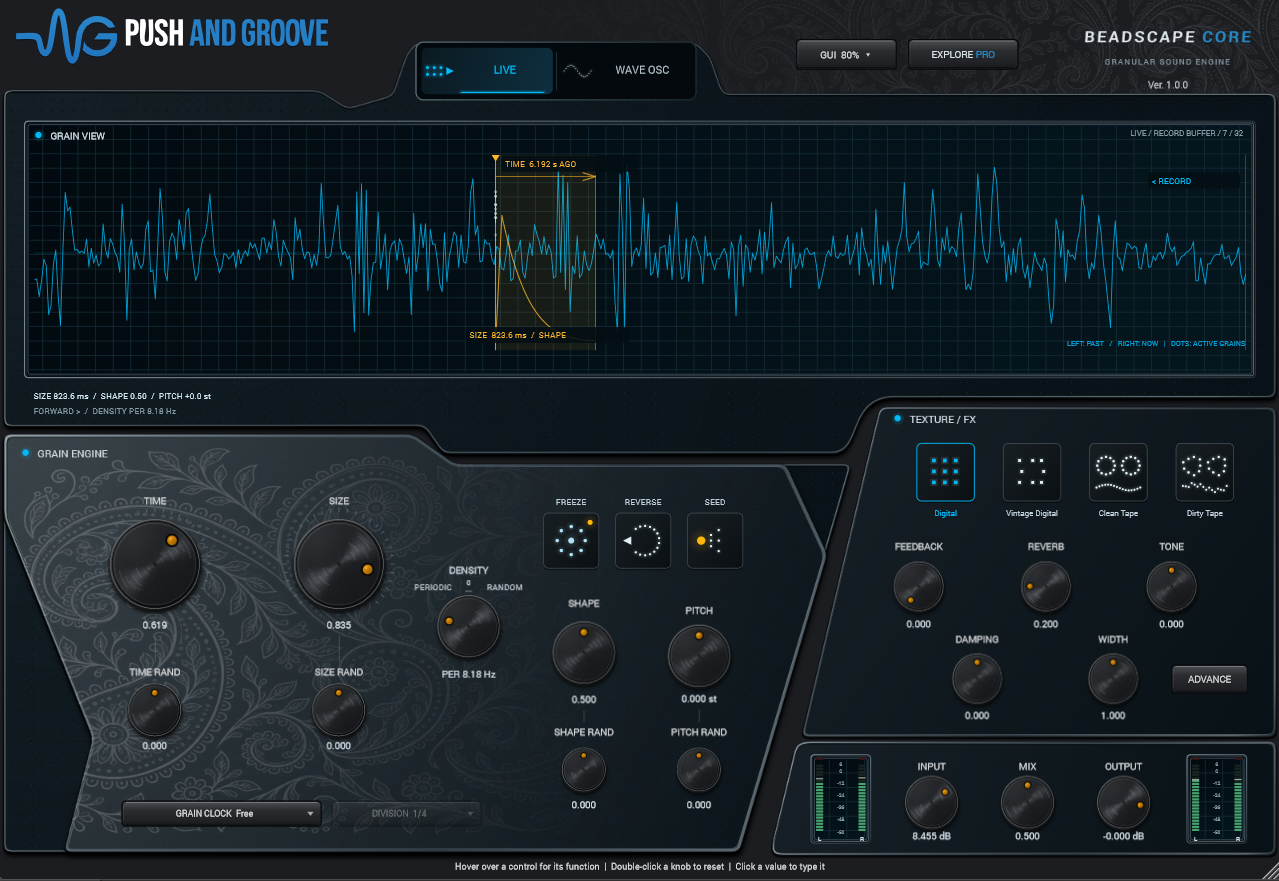
BEADSCAPE CORE Free
Free granular exploration with LIVE input and WAVE OSC.
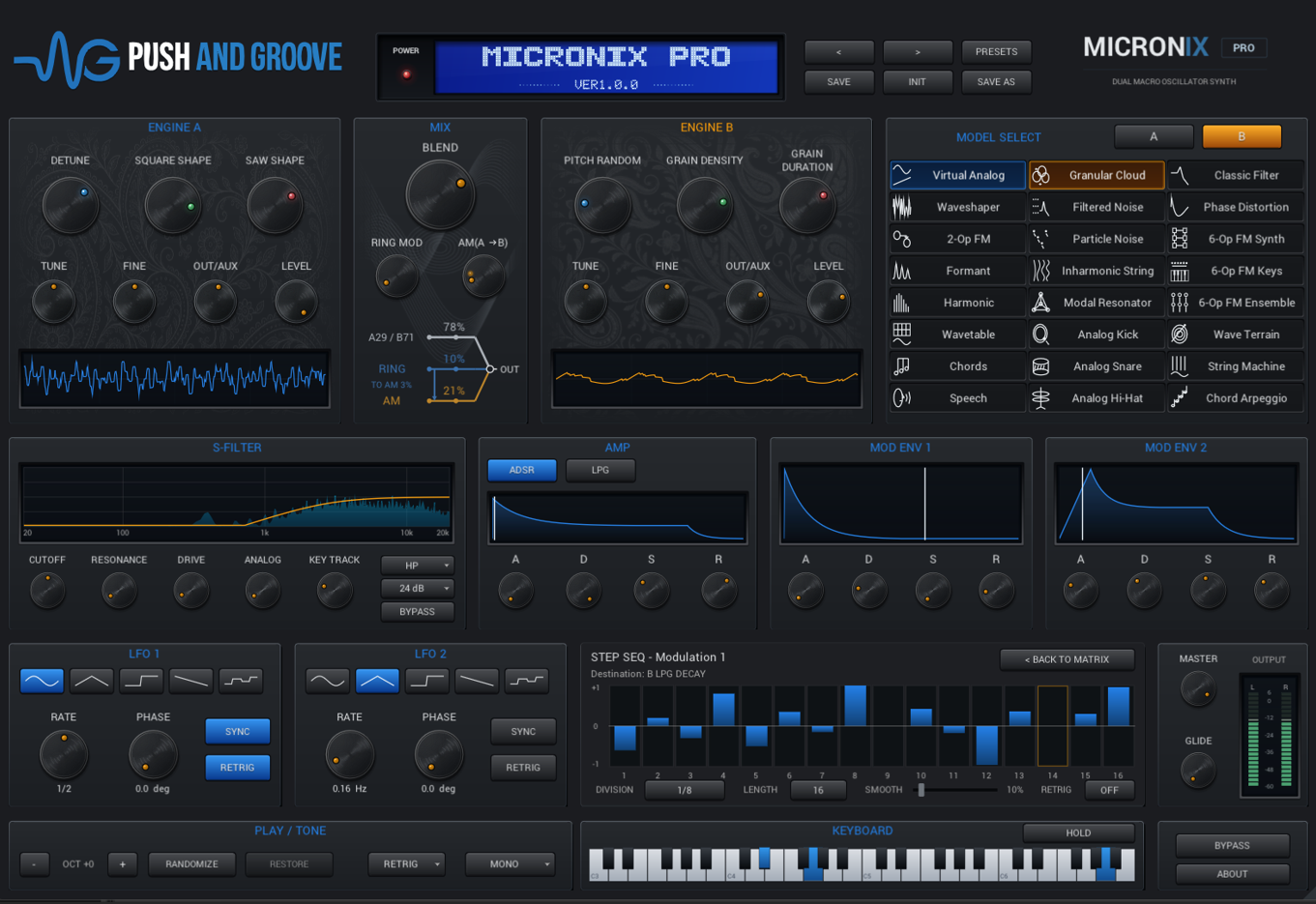
MICRONIX PRO
Dual-engine synthesis, polyphony, and deep modulation.

MICRONIX Free
The Plaits sound palette in a focused monophonic instrument.
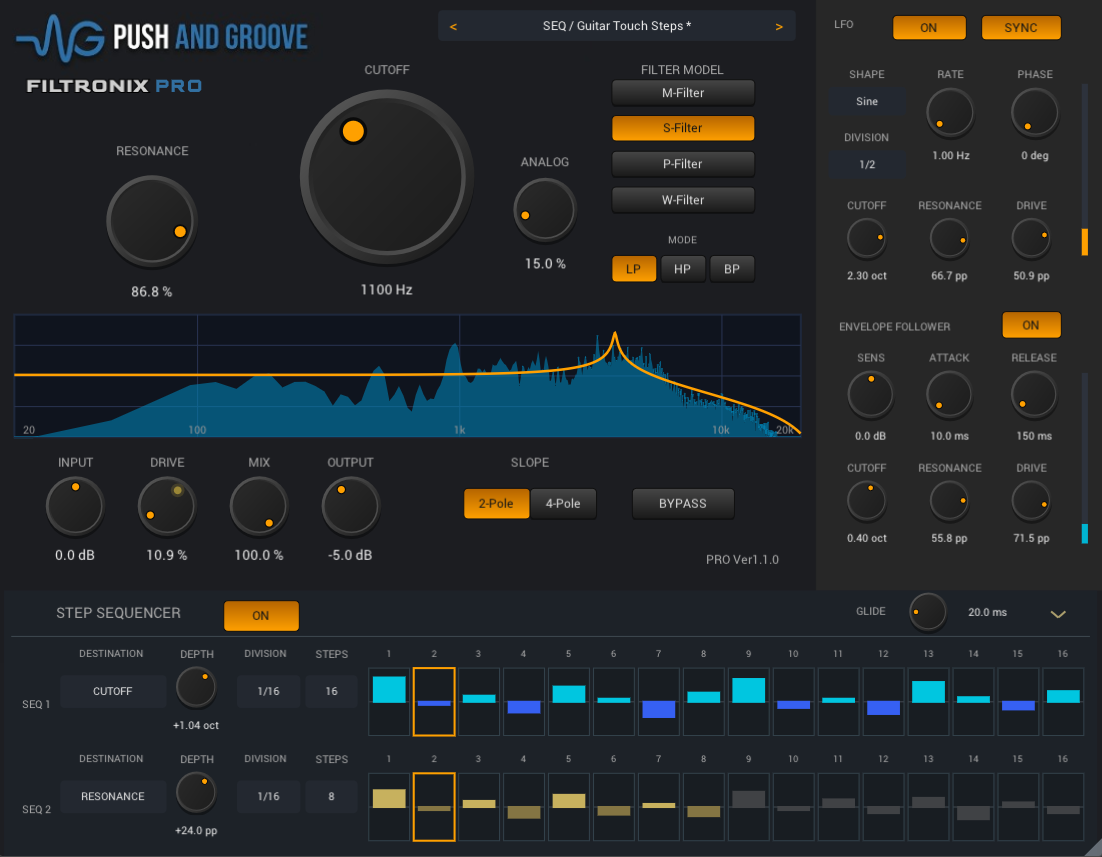
FILTRONIX PRO
Analog-modeled filtering with rhythmic modulation.
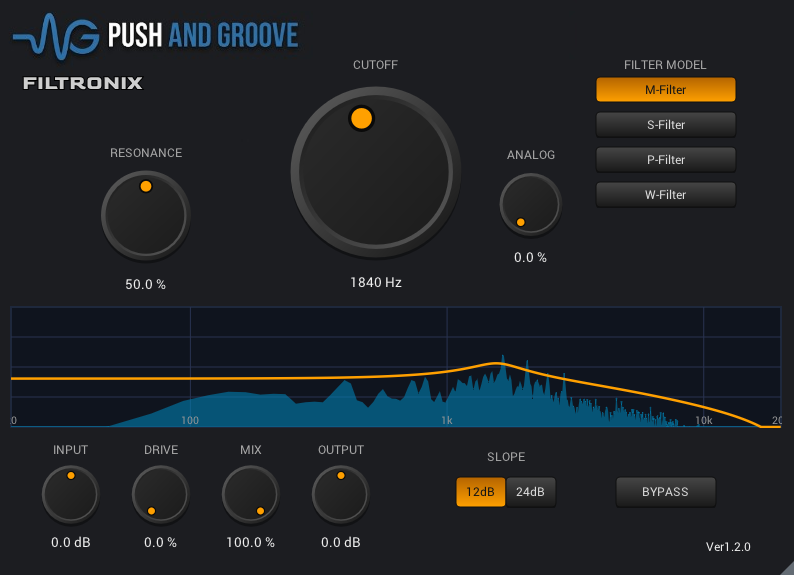
FILTRONIX Free
Four circuit-inspired filter models for shaping your tone.

GROOVE60 Free
Classic Drum Machine-inspired MIDI timing and groove.

RMS LEVEL LIMITER Free
Smooth RMS dynamics with independent peak protection.