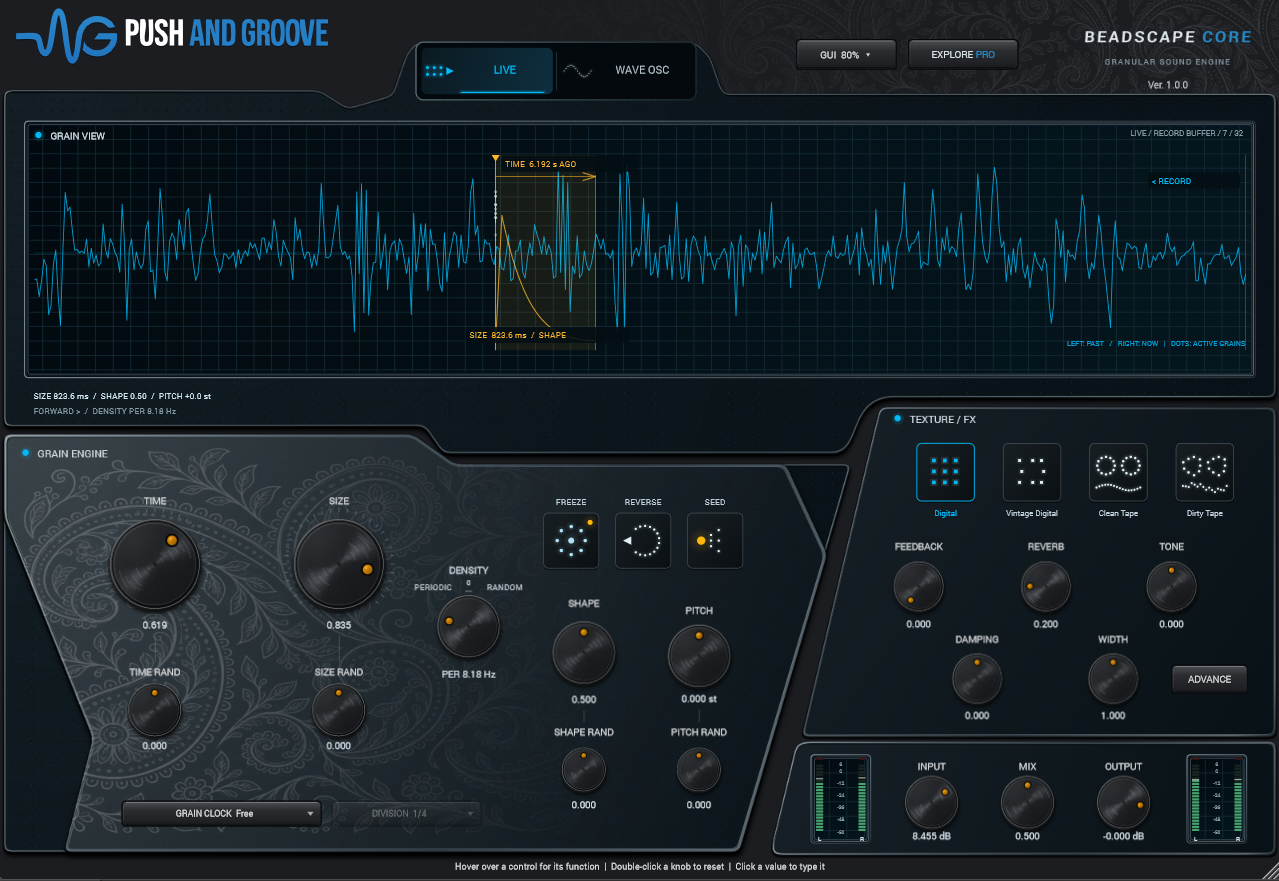
Live granular processing · Wave oscillator · Completely free
BEADSCAPE CORE
Small Grains. Endless Possibilities.
Transform live audio or an internal wave oscillator into shifting textures, rhythmic fragments, and atmospheric soundscapes.
BEADSCAPE CORE / Demo Video
LIVE / Real-time granular processing
Turn Incoming Audio
into Something New.
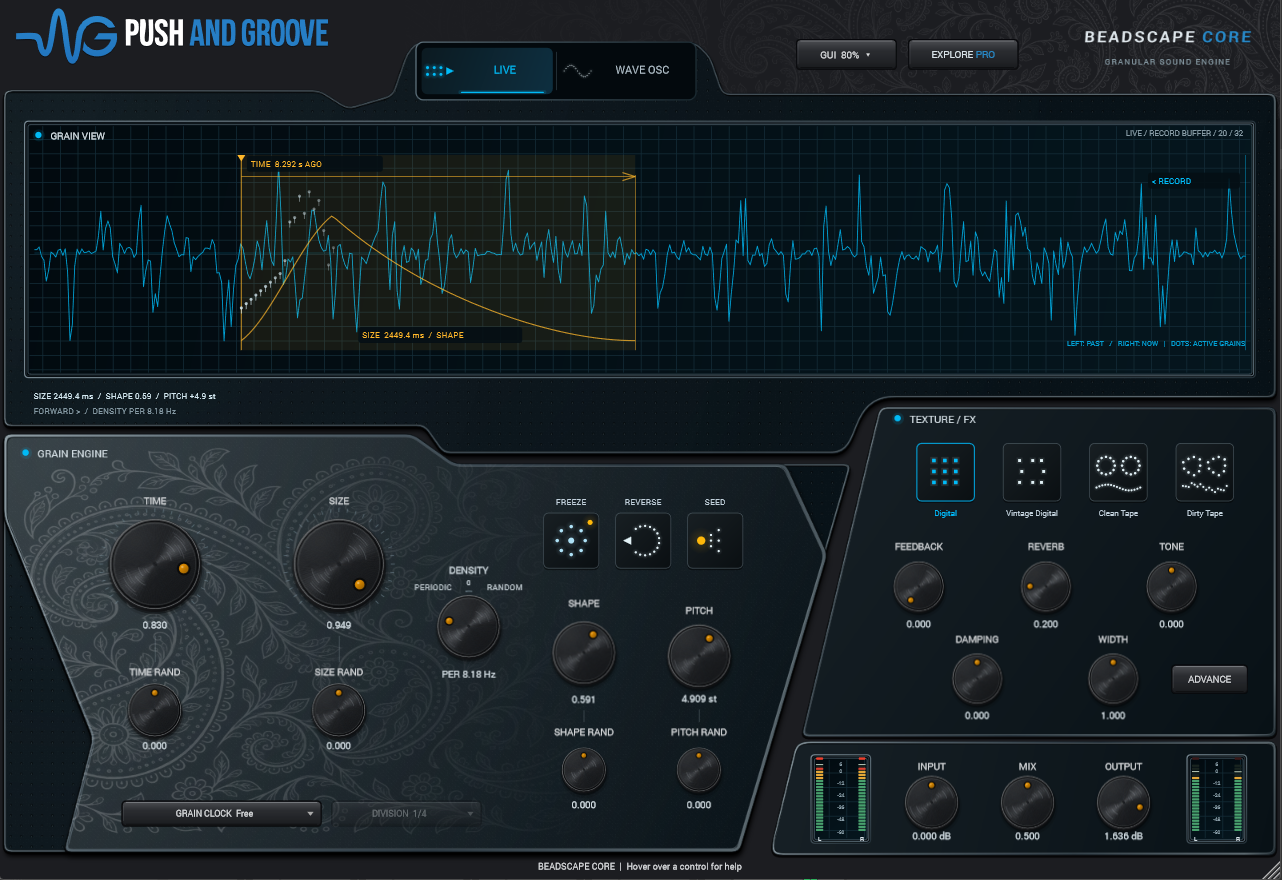
Feed in a synth, drum loop, voice, or instrument and explore it grain by grain. Move through the recorded buffer with Time, then reshape each fragment with Size, Shape, and Pitch.
Freeze the live buffer to hold a moment of sound, or use Reverse to send the grains in another direction.
WAVE OSC / Internal sound source
A Different Starting Point.
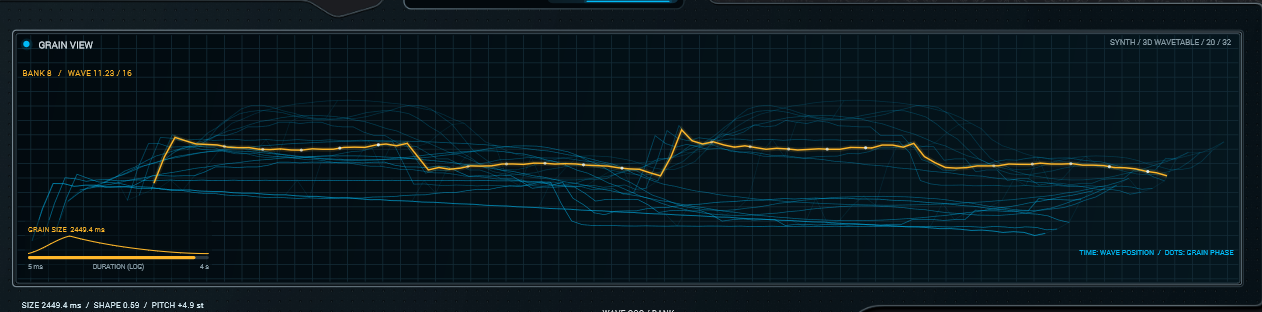
Switch from incoming audio to the built-in wave oscillator. Explore its wave banks, move through the wave position, and shape the result with the same granular controls.
From sustained tones to animated textures, WAVE OSC opens another route into sound without importing a file.
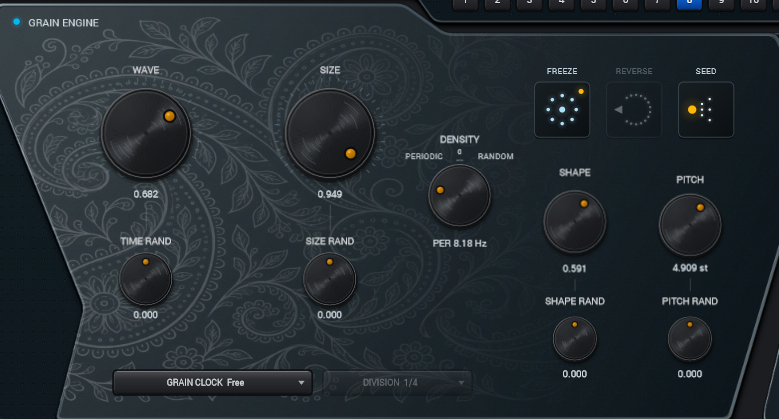
Grain Engine
Shape Every Fragment.
Set grain duration with Size, sculpt its envelope with Shape, and shift its tuning with Pitch. Density moves between periodic and random grain generation, with a stop region at the center.
Dedicated random variation controls for Time, Size, Shape, and Pitch let you move from tightly focused repetition to a more scattered, evolving texture.
Grain Clock / Freeze
Find the Rhythm.
Hold the Moment.
Free, Sync, or Transient
Let grains run freely, lock their timing to the host tempo, or use incoming transients in LIVE mode to drive the grain clock. Division gives synced patterns a rhythmic foundation.
Two Ways to Freeze
In LIVE mode, Freeze holds the recorded buffer for further exploration. In WAVE OSC, it holds the active grain voices. Each source keeps its own Freeze behavior.
Texture / FX
Give Your Grains
Their Own Character.
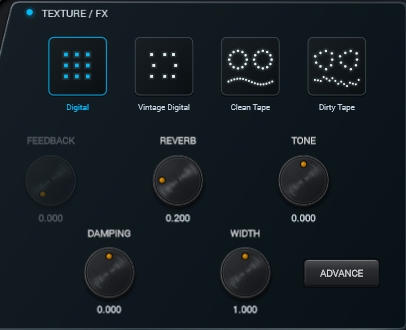
Choose Digital, Vintage Digital, Clean Tape, or Dirty Tape to explore four different texture characters.
Add space with Reverb, shape the result with Tone and Damping, and adjust the stereo image with Width. Feedback recirculates the LIVE signal while the buffer is recording.
Feedback is inactive in WAVE OSC and while the LIVE buffer is frozen.
Visual feedback / Hands-on workflow
See What You Are Shaping.
Grain View
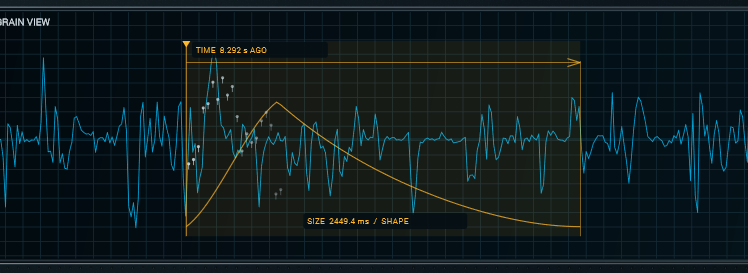
Follow the live waveform, grain positions, and envelope in one display. In WAVE OSC, the layered wave view makes the selected waveform visible as you explore.
Balance and Refine
Use Input, Mix, and Output to balance the processed sound with the source. Stereo meters keep levels visible, while ADVANCE opens additional texture and input controls.
BEADSCAPE CORE / PRO
Start with CORE.
Go Further with PRO.
CORE gives you the essential granular engine for free. Choose PRO to work with your own WAV files, build evolving modulation, and explore a library of factory and user presets.
| Feature | CORE Free | PRO |
|---|---|---|
| LIVE input / WAVE OSC | Included | Included |
| Grain controls / random variation | Included | Included |
| Texture / FX | 4 textures + FX | 4 textures + FX |
| WAVE File import | Not included | Load your own WAV |
| LFOs | Not included | 2 LFOs |
| Modulation sequencer | Not included | 16 steps |
| Modulation matrix | Not included | 5 slots |
| Factory presets | Not included | 128 presets |
| User presets | Not included | Save, load & rename |
More sources. More movement. More starting points.
Explore BEADSCAPE PRO →BEADSCAPE CORE
Explore the Sound
Between the Grains.
LIVE processing. WAVE OSC. Creative grain control.
PRICE: FREE
Download BEADSCAPE COREBack to top ↑More Plugins
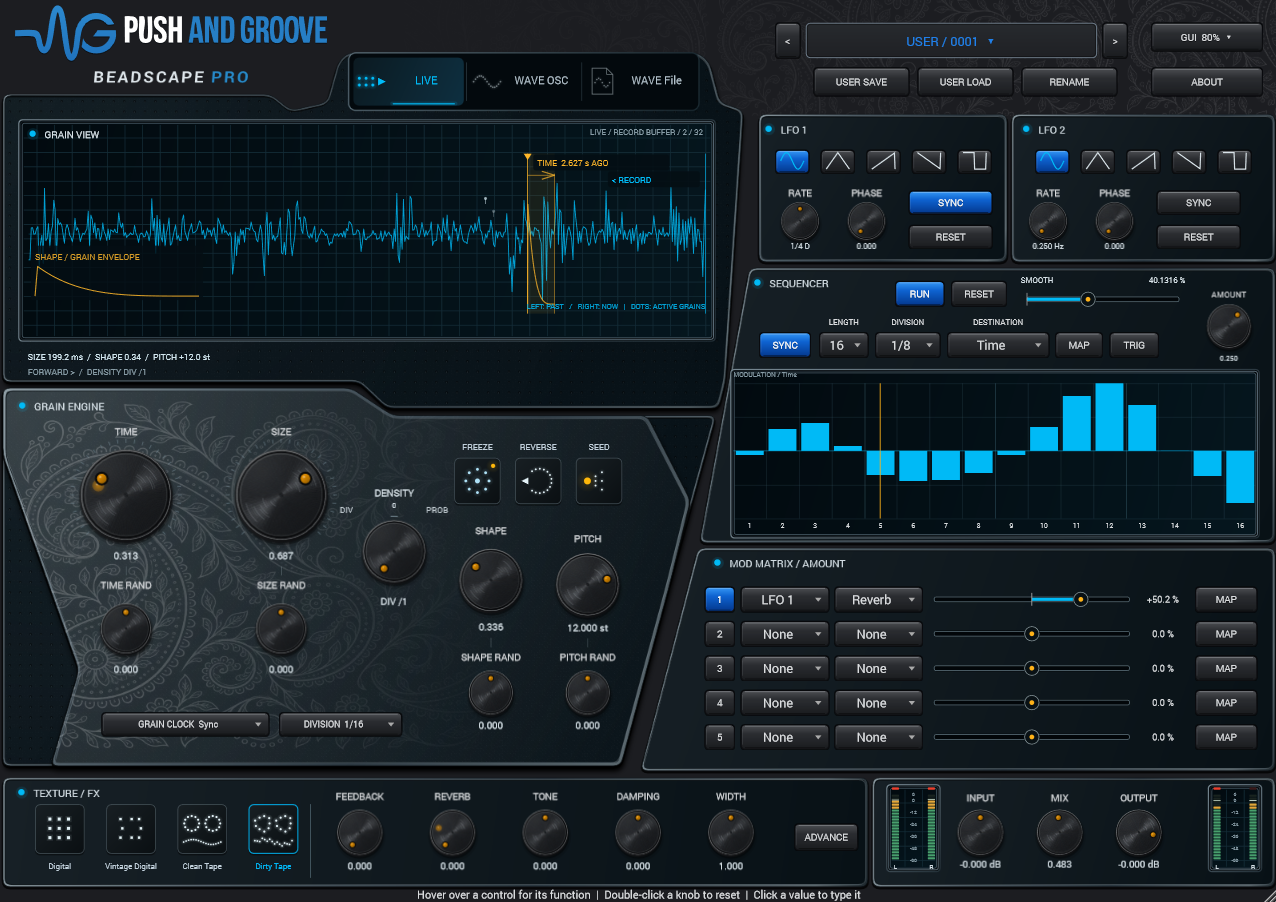
BEADSCAPE PRO
Granular sound design with three sources and deep modulation.
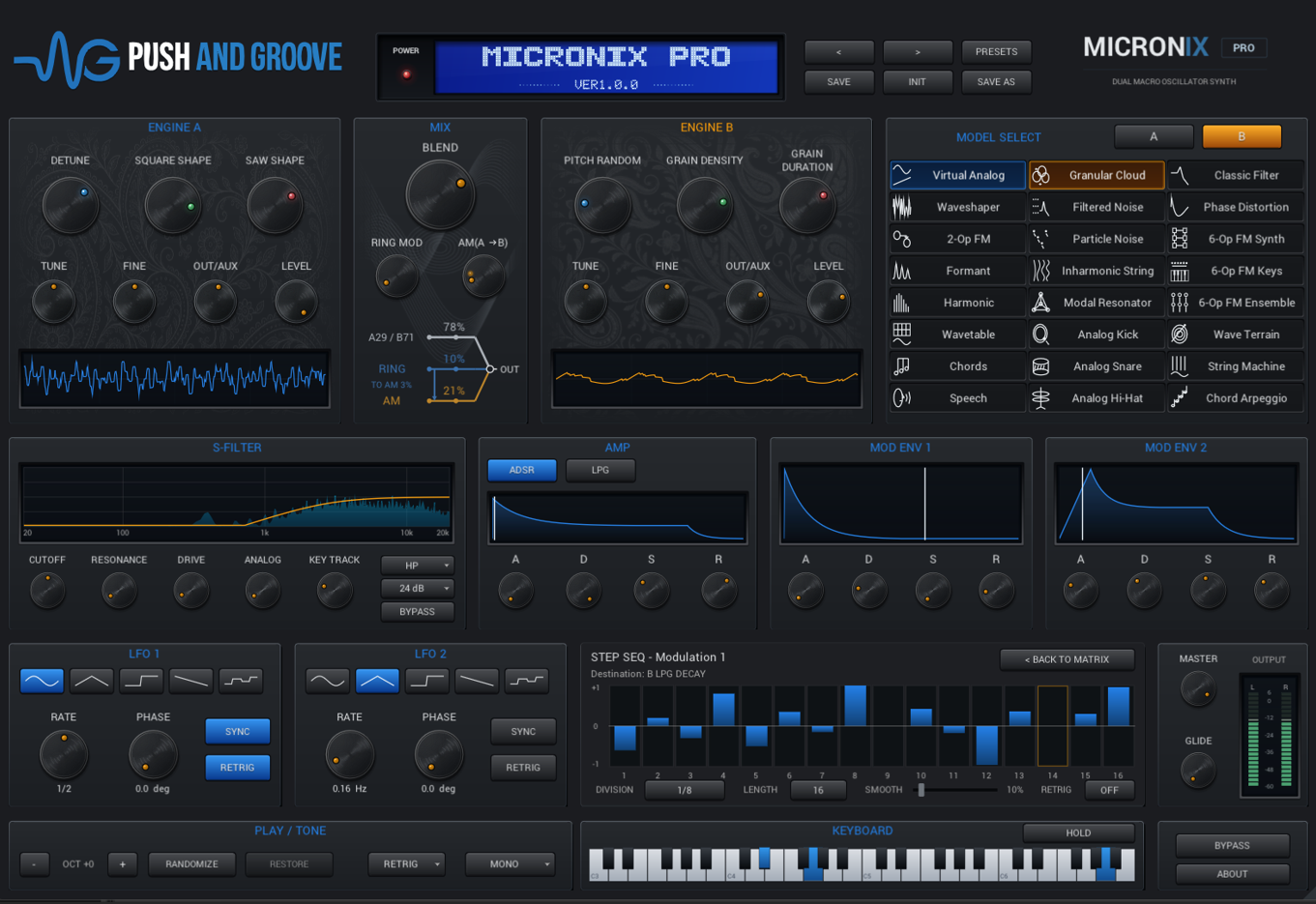
MICRONIX PRO
Dual-engine synthesis, polyphony, and deep modulation.

MICRONIX Free
The Plaits sound palette in a focused monophonic instrument.
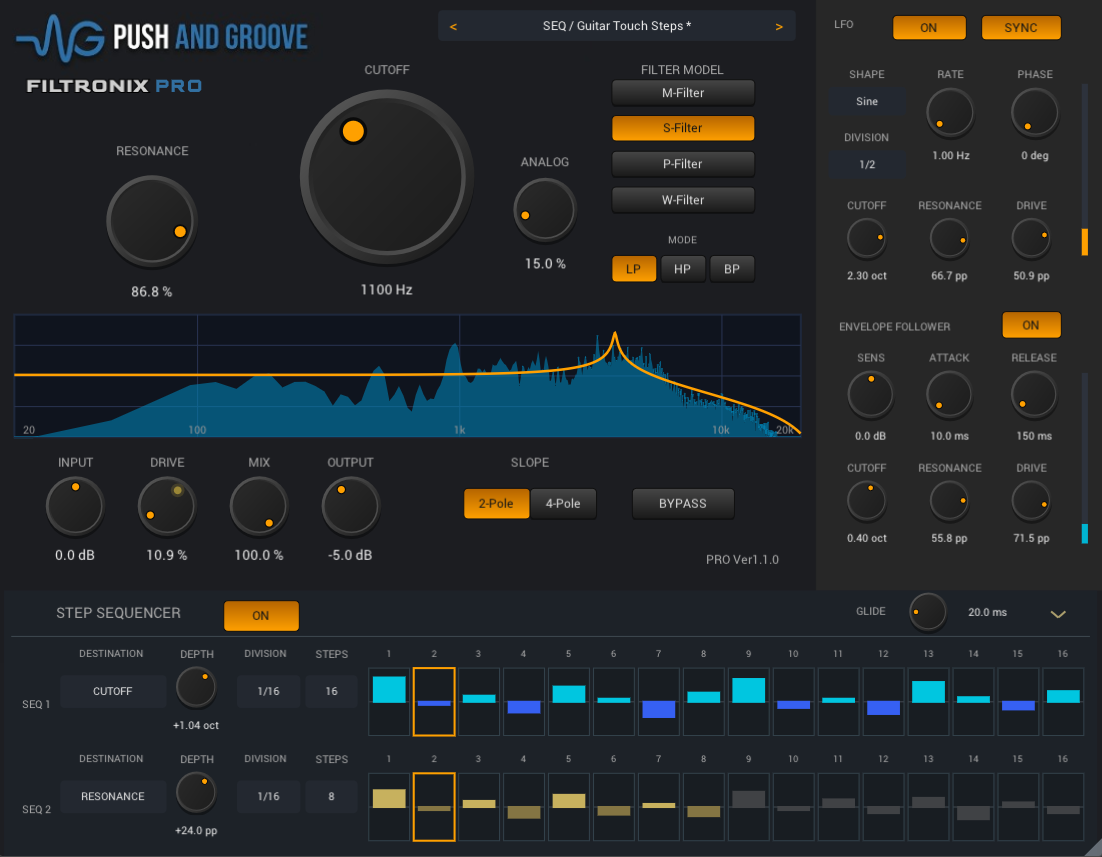
FILTRONIX PRO
Analog-modeled filtering with rhythmic modulation.
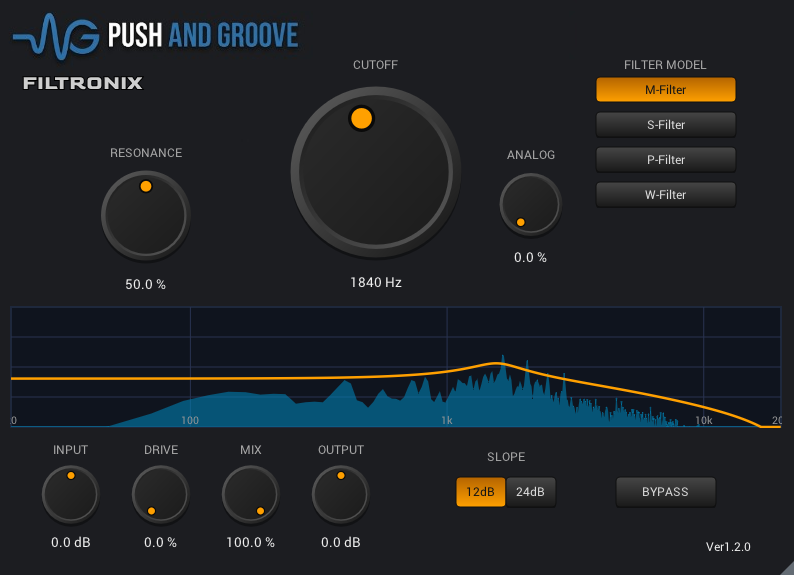
FILTRONIX Free
Four circuit-inspired filter models for shaping your tone.

GROOVE60 Free
Classic Drum Machine-inspired MIDI timing and groove.

RMS LEVEL LIMITER Free
Smooth RMS dynamics with independent peak protection.